Alternatives · Updated 18 October 2026
The 8 best OpenClaw alternatives in 2026 (with and without a server)
The best OpenClaw alternative for most people is OwlAgent: the same “text an AI and it does the work” idea, already running in WhatsApp and Telegram, connected to Gmail, Calendar, Drive, Notion and your CRM, with no server, no install and no terminal. If you would rather keep self-hosting or code your own agents, the best open-source OpenClaw alternatives are Hermes Agent and NanoClaw, and OpenClaw itself remains an excellent choice.
OpenClaw is free, open source and very capable — but it runs on your machine: Node 24+, a computer or VPS that stays on, channel pairing, updates and security patches are yours to handle. If you want the same “text an AI that actually does things” experience without running anything, OwlAgent is the closest hosted alternative. If you want to keep self-hosting, Hermes Agent and NanoClaw are the strongest open-source picks.
OpenClaw alternatives at a glance
| Runs where | Setup | Chat apps | Price | Usage limits | |
|---|---|---|---|---|---|
| OwlAgent | Hosted | ~2 minutes, no install | WhatsApp, Telegram (iMessage in beta) | $9–$29/mo, all-in | Unlimited: no message cap, no credits, no token bills |
| OpenClaw | Your machine / VPS | Installer + onboarding + pairing | 29 channels | Free + your server + model tokens | No cap; every message costs model tokens you pay for |
| Hermes Agent | Your machine, or Hermes Cloud | Installer or desktop app | Telegram, WhatsApp, Slack, Signal, SMS… | Free; Hermes Cloud billed per day of use + inference | No cap; model usage billed on top |
| Notis | Hosted | No install | WhatsApp, iMessage, Telegram, Slack, email | Usage-based plans | Plans include $20, $59 or $149 of usage a month; beyond that, 2× provider cost |
| Poke | Hosted | No install | iMessage, WhatsApp, Telegram | Free, Pro $19, Ultra $199 | Per-plan limits, not published |
| Lindy | Hosted | Web dashboard | Slack, iMessage, email | Free trial, from $29.99/mo | Credits: 3,000 for $29.99 (~$0.01 each); trial $50 of credits for 7 days |
| Claude Cowork | Desktop + cloud | Desktop app | None (app only) | Claude Pro from $20/mo | Plan usage limits; Max gives 5× or 20× Pro's usage |
| NanoClaw | Your machine (containers) | git clone + Docker | WhatsApp, Telegram, Slack… | Free + your model | No cap; you pay your model |
| Perplexity Computer | Hosted | Web / iOS | Slack (no WhatsApp) | Pro / Max, credit-based | Credits: a light task ~$1–3.50; Max includes 10,000 credits ($100) a month |
OpenClaw vs OwlAgent vs Hermes Agent: the facts, with sources
The three options people compare most, checked on each project's own pages. Updated 18 October 2026. Every competitor fact links to its source; if a number is not on an official page, it is not in this table.
| OpenClaw | Hermes Agent | OwlAgent | |
|---|---|---|---|
| Price | Free, MIT. “No subscription. No hosted tier.” You pay your server and model (openclaw.ai) | Free, MIT. Optional Hermes Cloud, billed per day of use plus inference; Nous Portal plans $0 / $20 / $100 / $200 a month (Hermes site, Hermes Cloud) | $9, $19 or $29 a month (Starter / Pro / Pro + Agent), no usage cap on paid plans, 7-day free trial on Pro (pricing) |
| Chat apps | “WhatsApp, Telegram, Discord, Slack, Signal, iMessage, or any of its 29 channels”; WhatsApp via WhatsApp Web (Baileys), a separate number recommended (openclaw.ai, WhatsApp docs) | Telegram, Discord, Slack, WhatsApp (Baileys bridge or Business Cloud API), Signal, SMS, email, Teams, iMessage and more (messaging docs) | WhatsApp and Telegram; iMessage in beta |
| Install | curl -fsSL https://openclaw.ai/install.sh | bash, Node 24.16+ or 26.1+, then onboarding (install docs) | curl -fsSL https://hermes-agent.nousresearch.com/install.sh | bash, or a desktop app for macOS and Windows (Hermes site) | Nothing to install: sign up, pick WhatsApp or Telegram, connect your tools (about two minutes) |
| Connectors | Skills and plugins you install from ClawHub and configure yourself (openclaw.ai) | Writes its own skills; you configure each integration from the docs (Hermes site) | Sign-in buttons for Gmail, Calendar, Drive, Notion, HubSpot, Outlook and 70+ tools (integrations) |
| Where it runs | Your Mac, Windows or Linux machine, or a VPS you rent (install docs) | Your machine, or Hermes Cloud in regions from Frankfurt and London to Tokyo (Hermes Cloud) | Hosted for you on servers in the EU; works from any phone with WhatsApp or Telegram |
| You can code it | Yes, open source (GitHub, ~392,000 stars) | Yes, open source (GitHub, ~255,000 stars) | No, it is a finished product, not a framework |
Sources, checked 18 October 2026: openclaw.ai · docs.openclaw.ai/install · docs.openclaw.ai/channels/whatsapp · github.com/openclaw/openclaw · hermes-agent.nousresearch.com · Hermes messaging docs · portal.nousresearch.com/cloud · github.com/NousResearch/hermes-agent. GitHub star counts are rounded and move daily.
Weighing the main OpenClaw competitors side by side? The Hermes Agent vs OpenClaw comparison goes deeper on the two open-source projects, and is OpenClaw free? breaks down what self-hosting really costs each month.
Looking for a Hostinger OpenClaw alternative? Hostinger's one-click OpenClaw plan is a VPS that runs OpenClaw for you to manage: $5.99 a month on a 24-month term, $10.99 month to month, renewing at $11.99 (Hostinger, checked 18 October 2026). You still choose and pay for the AI model, pair WhatsApp and keep it updated. If what you want is the assistant rather than the server, a hosted option like OwlAgent skips that layer.
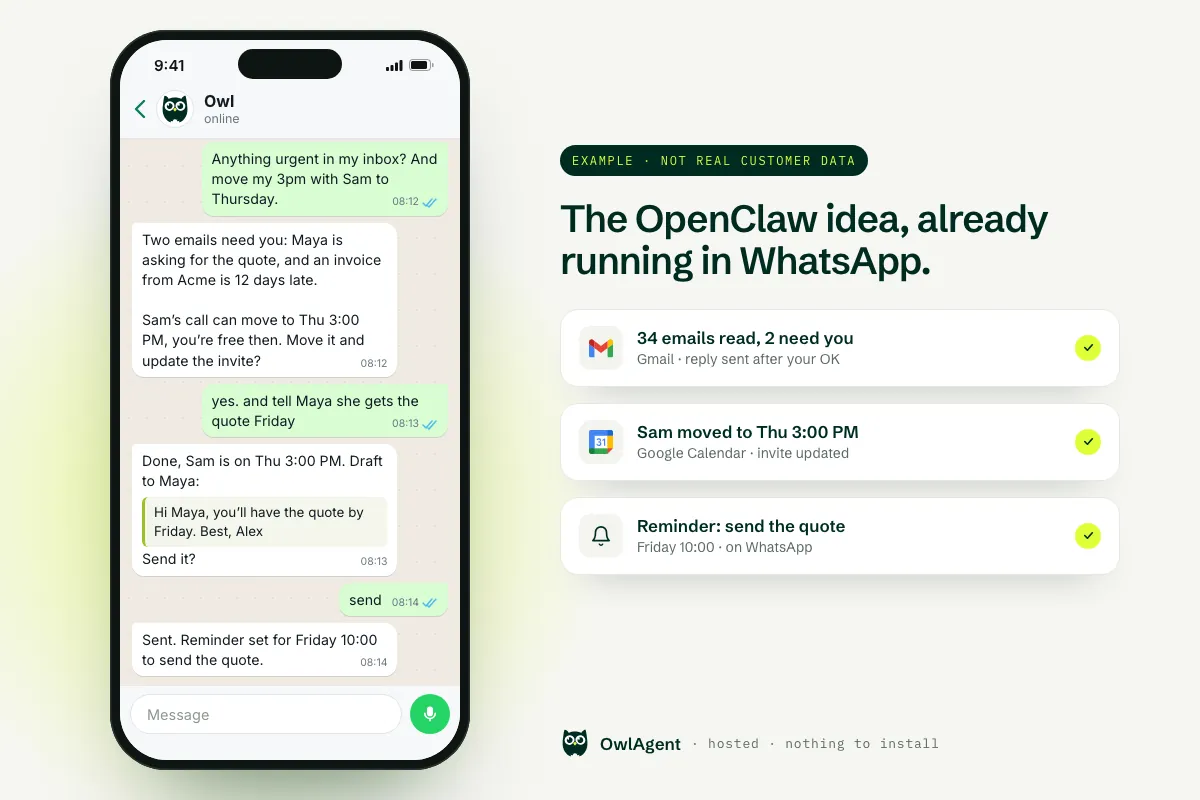
What it looks like: an example conversation with Owl on WhatsApp
This is an illustrative example written for this page, not a real customer chat. It shows the kind of thing people install OpenClaw for, done from WhatsApp with nothing to set up.
Example conversation · not real customer data
Owl asks before anything goes out in your name, and shows you what it did. More real-world uses are in our guide to the best AI assistants on WhatsApp.
Who OwlAgent is for, and who it is not for
A good fit if you…
- want an assistant that does the work in WhatsApp or Telegram, today
- live in Gmail, Google Calendar, Drive, Notion or a CRM like HubSpot
- do not want a server, an install, a terminal or API keys
- want a flat monthly price with no usage cap on paid plans, and data hosted in the EU
Pick OpenClaw or Hermes if you…
- want to code your own agents, skills or plugins
- need to self-host everything on your own hardware
- need one of OpenClaw's 29 channels, such as Discord, Signal or Matrix
- enjoy running and securing your own stack: OpenClaw is better for that
Why people look for an OpenClaw alternative
- It runs on your hardware. OpenClaw needs Node 24.16+ (26 recommended) and a machine that stays on; for always-on use its own docs point you to a VPS, Docker, DigitalOcean or Render. The site says it plainly: “No subscription. No hosted tier.”
- Security is your job. Public scanners counted over 135,000 internet-facing OpenClaw instances in February 2026, many without authentication, and 2026 brought CVEs such as CVE-2026-32922 (privilege escalation, fixed in 2026.3.11) (third-party reports). Its own README tells you to treat inbound messages as untrusted.
- WhatsApp runs through WhatsApp Web. OpenClaw connects as a linked device (Baileys), not the WhatsApp Business API, and recommends a separate number.
- iMessage needs a Mac signed in to Messages. BlueBubbles support has been discontinued in favour of a macOS host running Messages.
- The bill is unpredictable. The software is free, but third-party estimates put model tokens anywhere from under $1 to $150 a month, plus $4–10 for a VPS. See what OpenClaw really costs.
1. OwlAgent — OpenClaw's “text it and it does things”, without a server
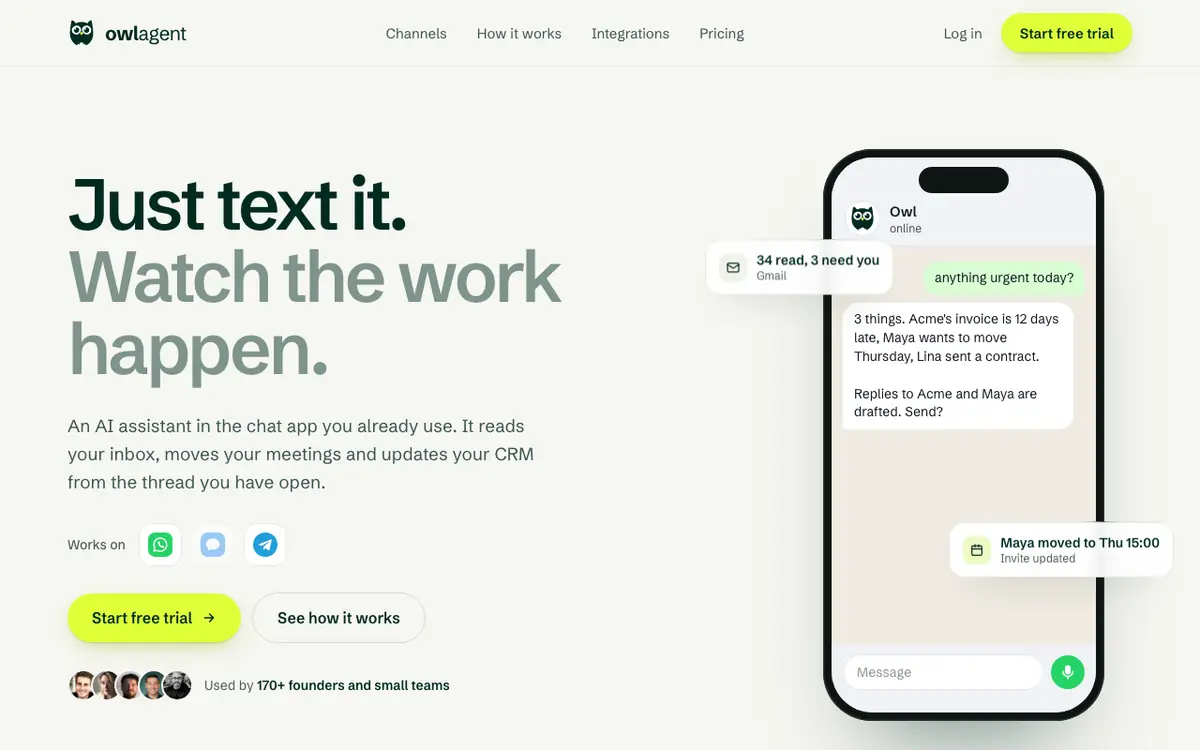
OwlAgent is what most people install OpenClaw for, already running: you text it on WhatsApp or Telegram (iMessage is in beta) and it reads your inbox, moves meetings, drafts replies, updates your CRM and sends you a morning brief. You connect accounts with normal sign-in buttons (no API keys, no config files), and it keeps a memory of the people and preferences you mention.
It asks before anything leaves your name — an email to someone else, a LinkedIn post — and runs scheduled tasks (daily digests, reminders, a brief before every meeting) on its own. Your data is never used to train models, and model costs are included in the flat price.
Good
- Nothing to install, patch or keep online
- Sign-in buttons for Gmail, Calendar, Notion, HubSpot, Outlook, Stripe and 70+ tools
- Unlimited use: no message cap, no credits, model costs included
- Published DPA and security page
Watch out
- Not open source: you cannot run it on your own server
- Fewer chat apps than OpenClaw: WhatsApp and Telegram today, iMessage in beta
- No custom code skills like OpenClaw's plugin system
2. Hermes Agent (Nous Research) — self-hosted, with memory that learns
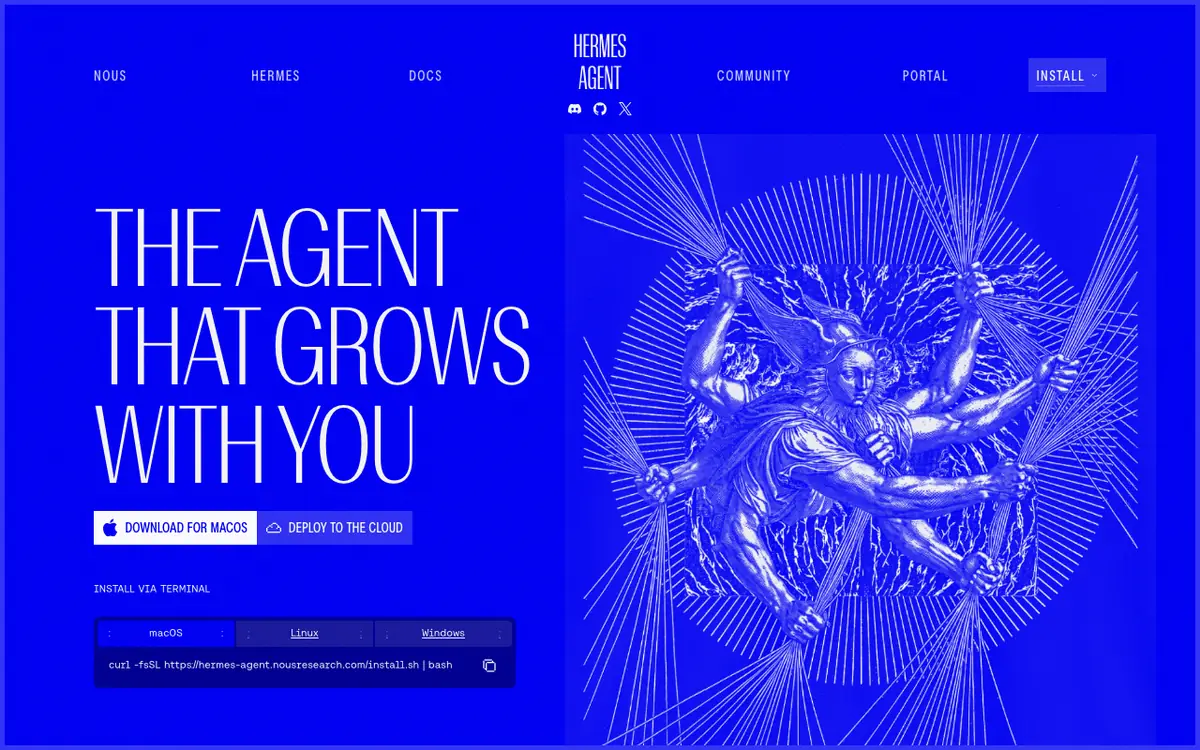
Hermes Agent is the project most often compared with OpenClaw. It is MIT-licensed, installs with one script (Python and Node) or a macOS/Windows desktop app, and its signature feature is a learning loop: it writes its own skills after complex tasks and improves them as it uses them. WhatsApp works through a Baileys bridge or the official WhatsApp Business Cloud API.
Unlike OpenClaw, Nous offers an official hosted option, Hermes Cloud: it is billed once a day from your Nous credit for the compute you actually used (storage only while stopped), inference and tool usage are billed on top, and you need $2 of credit or an active subscription to deploy. We compare the two in detail in Hermes vs OpenClaw.
Good
- Open source, very active project
- Self-improving skills and searchable memory
- Official cloud hosting if you do not want a VPS
Watch out
- Still a developer tool: terminal, config, model keys
- Cloud price excludes model usage
- You manage channel pairing and updates
3. Notis — hosted, multi-channel, usage-based
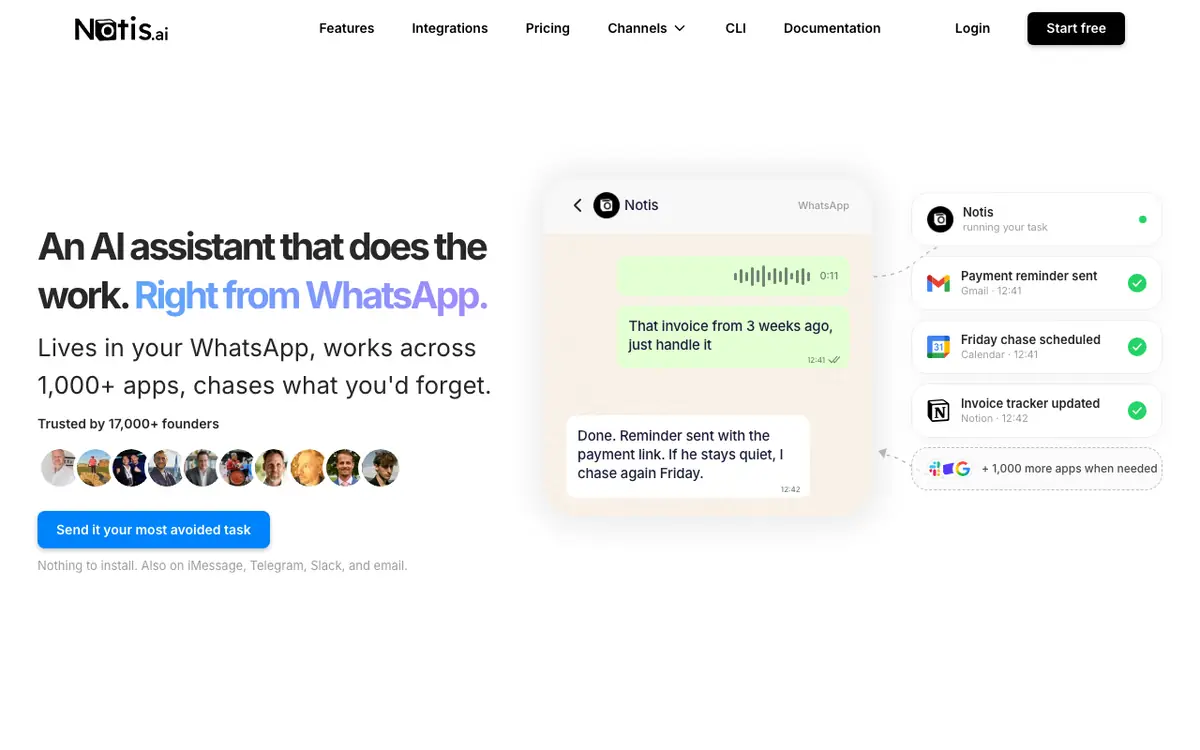
Notis is a hosted assistant built around WhatsApp that also answers on iMessage, Telegram, Slack and email, with a large catalogue of app connections. Its plans include a monthly usage allowance and charge usage at twice the provider's cost, and you can plug in an existing ChatGPT or Claude subscription.
Good
- No install, many channels
- Can use your own ChatGPT/Claude subscription
Watch out
- Usage-based billing is harder to predict than a flat price
- Sticker prices are not shown in plain text on the pricing page
4. Poke — the friendliest “text an AI” option, now part of Cognition
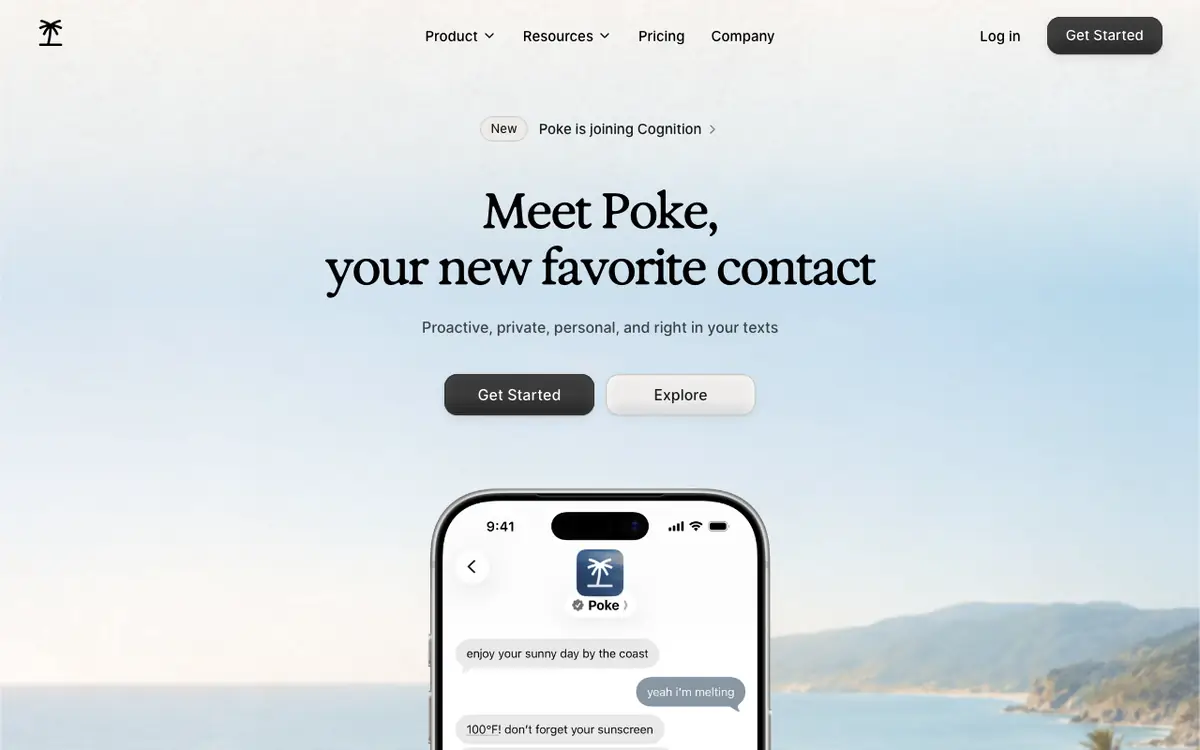
Poke lives in your texts and is known for its personality and proactive nudges. It connects to Gmail, Google Calendar, Notion and a long list of consumer apps. In July 2026 Cognition announced it was acquiring Poke; the homepage now reads “Poke is joining Cognition”.
Good
- Great on iMessage, generous free tier
- Proactive and personable
Watch out
- Fewer business tools (CRM, Stripe, Outlook)
- Future roadmap tied to the Cognition acquisition
5. Lindy — build-your-own AI workers, with an iMessage assistant
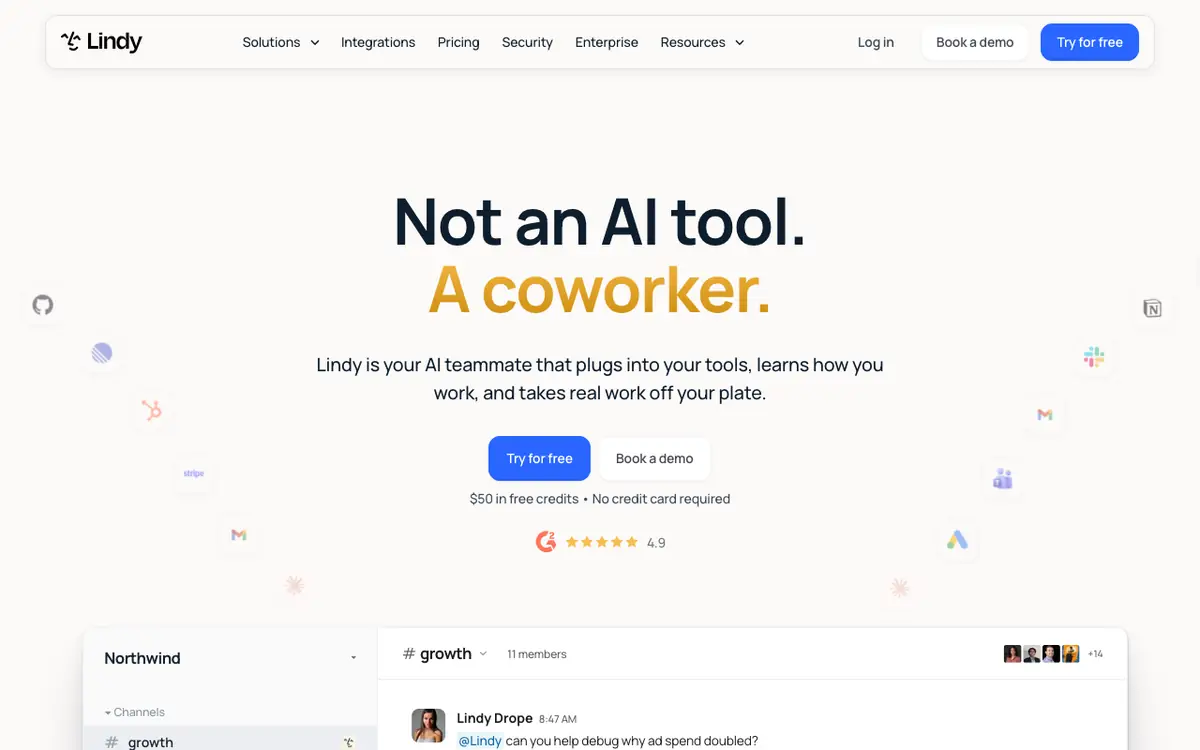
Lindy is closer to an agent builder than a personal assistant: you design “Lindies” for workflows like inbox triage, CRM updates or meeting follow-ups, and since early 2026 you can text your assistant on iMessage. It is powerful for teams, with credit-based pricing that scales with use.
Good
- Very deep integration catalogue
- Good for repeatable team workflows
Watch out
- Credit pricing to watch
- No WhatsApp on the vendor's pages
6. Claude Cowork — Anthropic's agent for files and long tasks
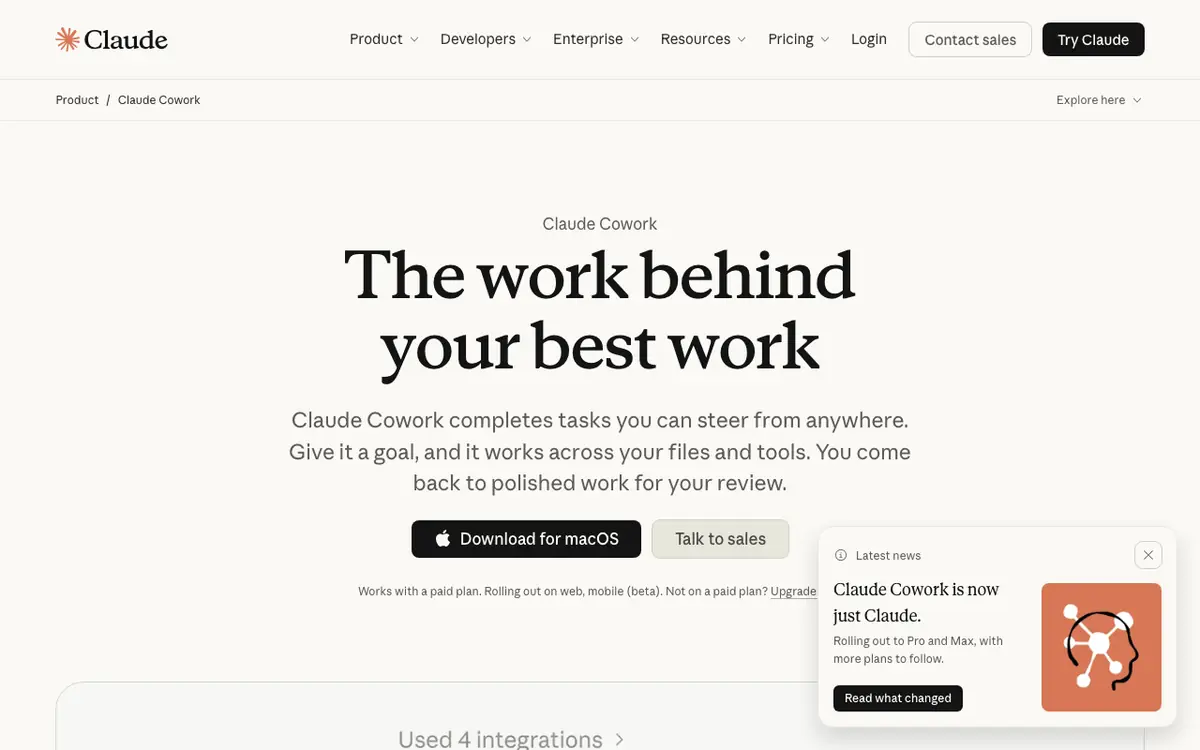
Cowork does multi-step work across your files and connected tools, can run scheduled tasks and keeps working in the cloud when your laptop is closed. It is excellent for document-heavy work, but you use it inside Claude's apps rather than by texting it on WhatsApp or iMessage.
Good
- Strong at long, file-heavy tasks
- Scheduled tasks, no server
Watch out
- No WhatsApp / Telegram / iMessage
- Local file work needs the desktop app open
7. NanoClaw — a lighter, container-isolated OpenClaw
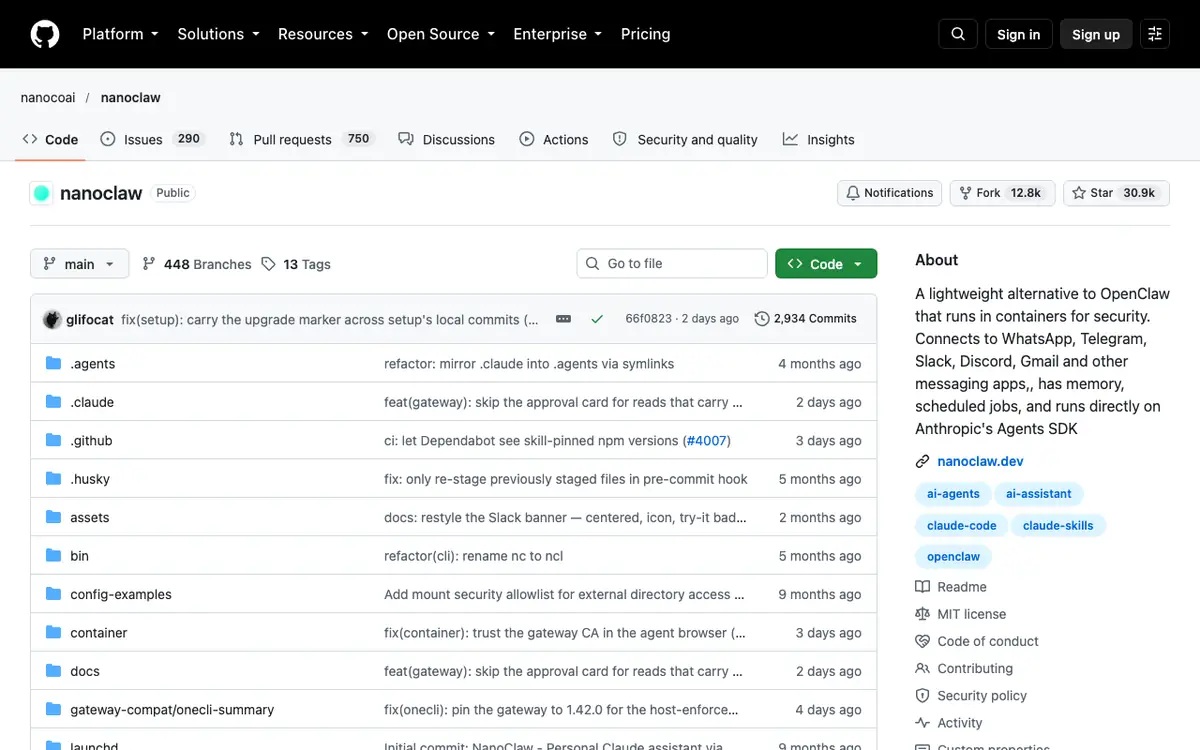
NanoClaw keeps OpenClaw's idea — an assistant in your chat apps with memory and scheduled jobs — but runs it in containers for isolation and builds on Anthropic's Agents SDK. Channels are added as skills. If you want something lighter, ZeroClaw (a single Rust binary, MIT/Apache-2.0) is another option, though its repo does not list WhatsApp or iMessage.
Good
- Smaller and easier to audit than OpenClaw
- Container isolation by default
Watch out
- Still self-hosted: Docker, Node, model keys
- Customising relies on Claude Code
8. Perplexity Computer — research-grade agent, no chat-app inbox
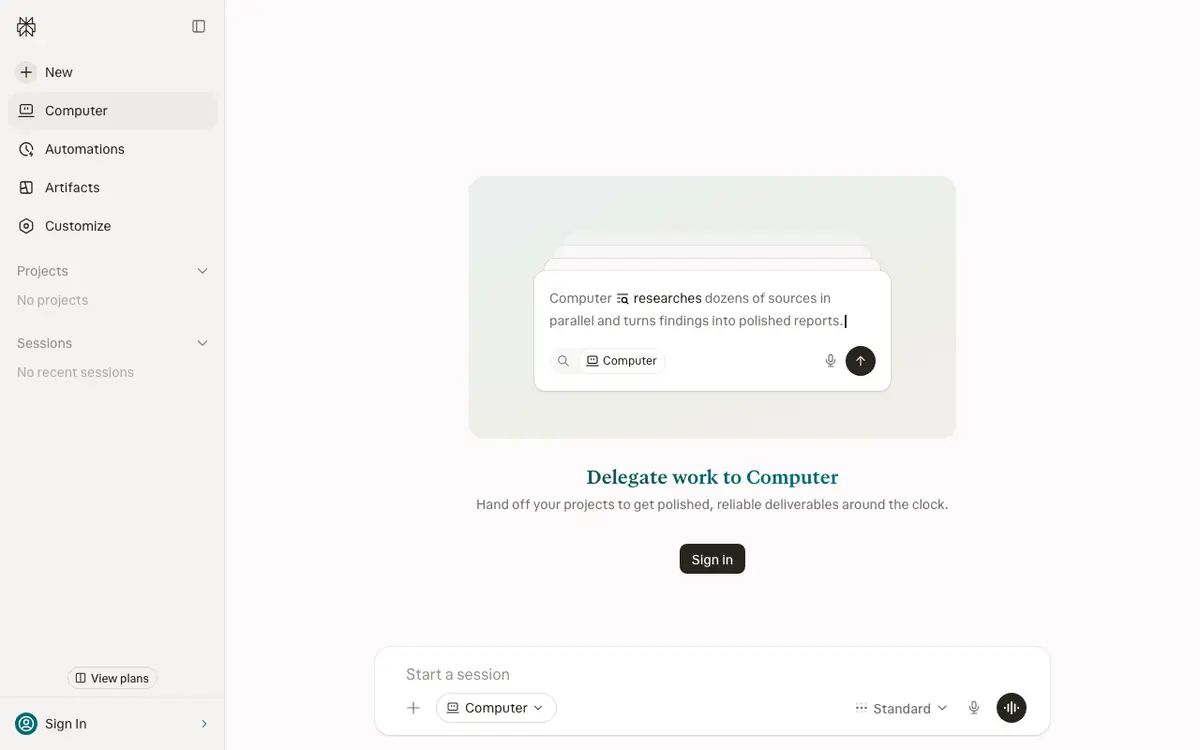
Computer is Perplexity's agent for multi-step work across the web, files and 400+ connectors. Tasks are billed in credits — a light task is roughly $1–3.50 — and Max includes 10,000 credits a month. It is a strong research and deliverables tool, but not an assistant you text from your phone's chat app.
Good
- Excellent research and report output
- Huge connector list
Watch out
- Credit costs add up on big tasks
- No WhatsApp / iMessage
How to choose
- You want it working today and never want to think about servers → a hosted assistant: OwlAgent (work tools, flat price), Poke (iMessage, consumer apps) or Notis (many channels, usage-based).
- You want open source and full control → Hermes Agent (with an official cloud if you tire of the VPS) or NanoClaw (lighter, containerised).
- You mostly do long research or document work → Claude Cowork or Perplexity Computer.
- You run repeatable team workflows → Lindy.
Frequently asked questions
What is the best OpenClaw alternative?
If you want the same assistant without running a server, OwlAgent is the closest hosted alternative: you text it on WhatsApp or Telegram and it works across Gmail, Calendar, Notion, HubSpot and 70+ tools for a flat $9–$29 a month. If you want to stay open source, Hermes Agent is the most popular alternative, and NanoClaw is a lighter, containerised option.
Is there a hosted version of OpenClaw?
No official one. OpenClaw's site states “No subscription. No hosted tier.” You can rent a VPS and run it yourself, use a hosting provider's one-click image, or choose a hosted assistant such as OwlAgent, Notis or Poke instead.
Is OpenClaw safe to use?
It can be, if you configure it carefully. Third-party scanners found over 135,000 internet-facing instances in February 2026, many without authentication, and several CVEs were fixed during 2026. OpenClaw's own README advises treating inbound messages as untrusted and enabling sandboxing. A hosted assistant moves that work to the vendor.
Do I need a Mac mini for OpenClaw?
Not in general — it runs on macOS, Linux, Windows or a VPS. You do need a Mac signed in to Messages if you want the iMessage channel, since BlueBubbles support was discontinued.
Hermes Agent or OpenClaw?
Both are MIT-licensed, self-hosted agents. Hermes stands out for its self-improving skills and an official paid cloud; OpenClaw for its very large channel list and community. See our Hermes vs OpenClaw comparison.
Is there an OpenClaw alternative that works in Europe?
Yes. OwlAgent is hosted on servers in the European Union and works from WhatsApp or Telegram on any phone, with nothing to install. OpenClaw and Hermes Agent also work anywhere, but you run them yourself, so where your data lives depends on the machine or VPS you choose.
All product names and trademarks belong to their respective owners; OwlAgent is not affiliated with or endorsed by them. Screenshots show each vendor's public page as of October 8, 2026. Prices, plans and features were checked on the vendors' own pages on October 8, 2026 (OpenClaw, Hermes Agent and Hostinger re-checked on 18 October 2026) and change often — check the vendor's site before you decide. Third-party figures are labelled as such.
Skip the server. Just text it.
OwlAgent connects to Gmail, Calendar, Notion, HubSpot and 70+ tools in about two minutes, then works from WhatsApp or Telegram (iMessage in beta). 7-day free trial, $0 today.
Try Owl on WhatsApp